Hi all,
the Pod has a constant noise output, which I do not have when using the Daisyseed with (multiple) Hothouse guitar pedals. It is from the output, not dependent of input sources, or if nothing is connected to the input. It’s on both headphone & line outs, and independent of the programs loaded. It does not change when using different power adapters. I used DI boxes, so it doesn’t seem to be an impedance problem. I’m stuck, any suggestions?
Hans
Hi Hans,
I’m sorry to hear that you’re running into a noise issue with the Pod.
Happy to troubleshoot this with you!
- What does the noise sound like? Please feel free to share the audio file here.
- Did you notice the noise when using it for the first time?
- What firmware is it running?
- What’s the power source?
Hi Takumi,
thanks for getting back to me.
- I’ll uploaded a sound file of the noise: diasyseed noise.WAV - Droplr - I didn’t have a good idea to point to the specific noise vs. the general noise in the system, especially if I crank it all up so you can hear it. However, the output from the headphone out is the same as from the line out, just with volume control. So at the beginning you will hear the cranked-up noise floor, and from the 6th second on I dial in the noise that I am concerned with. At the 17th second I turn the volume back down.
- I did not notice the sound when I purchased the POD (using computer speaker out), but after I connected it to various amplifiers & headphones I noticed it. It’s loud enough to render it unusable for a live performance.
- I do not know how to query the firmware. I used two different DaisySeeds with the same POD, same noise.
- Power sources were USB power bricks, plugged into different circuits in my house, same outcome.
- Otherwise I use a bunch of Cleveland Audio Hothouse pedals, there is no noise. Maybe it’s the POD enclosure, not the Daisy?
Thanks, Hans
Thank you for the information, Hans!
I hear a tone from 6 seconds. Is that what you’re referring too? If so, it could be a callback noise. What firmware is flashed to the Seed that’s on the Pod? Is it a bypass firmware from the Web Programmer for example? And are you running the same firmware on the Hothouse?
Thanks!
It’s not really possible to check what firmware is already flashed to a certain Seed.
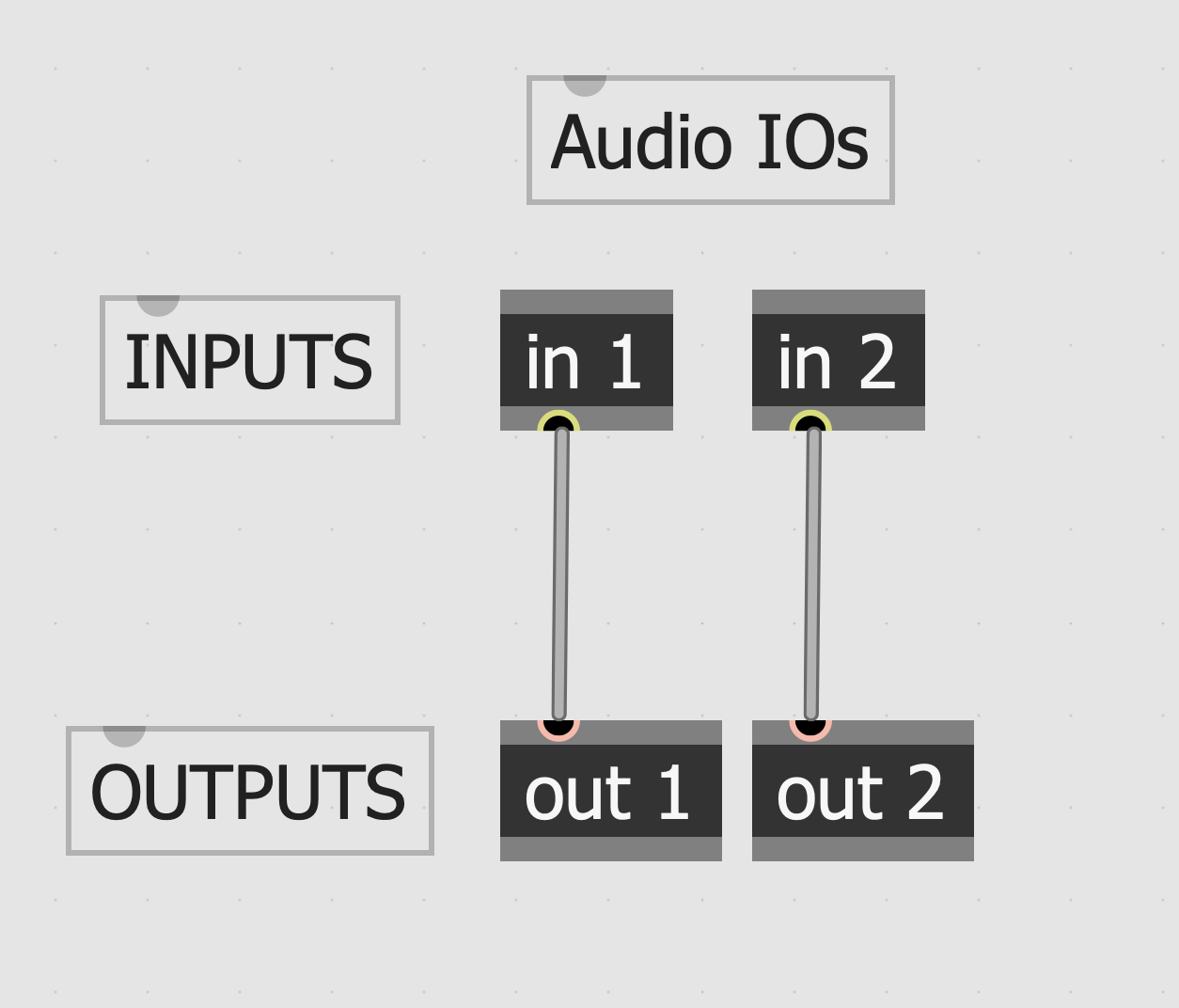
What I would suggest is to put together a bypass patch in gen~ (just input to output directly) and flash to both Pod and HotHouse. That way you know they both have the same exact firmware to test see if there’s any difference in noise.
I’m surprised that Oopsy is working but not the web programmer. Have you been able to flash different patches to the Pod with Oopsy?
Hi Takumi,
yes, I compared Hothouse & Pod patches, and there is no noise at all on the Hothouse. I also adjusted for line level vs. guitar level, the noise is audible on all options.
As for the web programmer, I have used it on the Pod months ago when I started with the Daisy, and it worked fine. But as it’s going through Chrome, could it be something with the browser? I use it for serial communication regularly, though.
Thanks, Hans
Are both HotHouse and Pod running the same firmware? Just trying to minimize the variable as much as possible for troubleshooting. That patch I shared should work on both.
Also, could you tell me more about how the Pod is powered? Did you try different USB bricks (connected to power outlet)?
sorry for the delay, received a new Daisy in the mail and see if that makes a difference, too. Thanks, Hans
Hi Takumi,
I think it’s the power situation. I was finally able to set up a controlled environment with the Hothouse, POD, etc., and it turned out that the POD was totally quiet when I ran a power cable across the room to a different circuit. There was also one brick that was noisier than other power bricks, so even that could have had an influence. At least I know where to look for in a live situation.
Thanks a lot!
Hans
A USB power bank, or some other battery power, can be very useful.
Glad to hear the noise issue was resolved!!!
Thank you for keeping me posted